
Why SEO Audit Is Important for Higher Rankings – No Cost – No Obligation Today

What Is an SEO Audit?
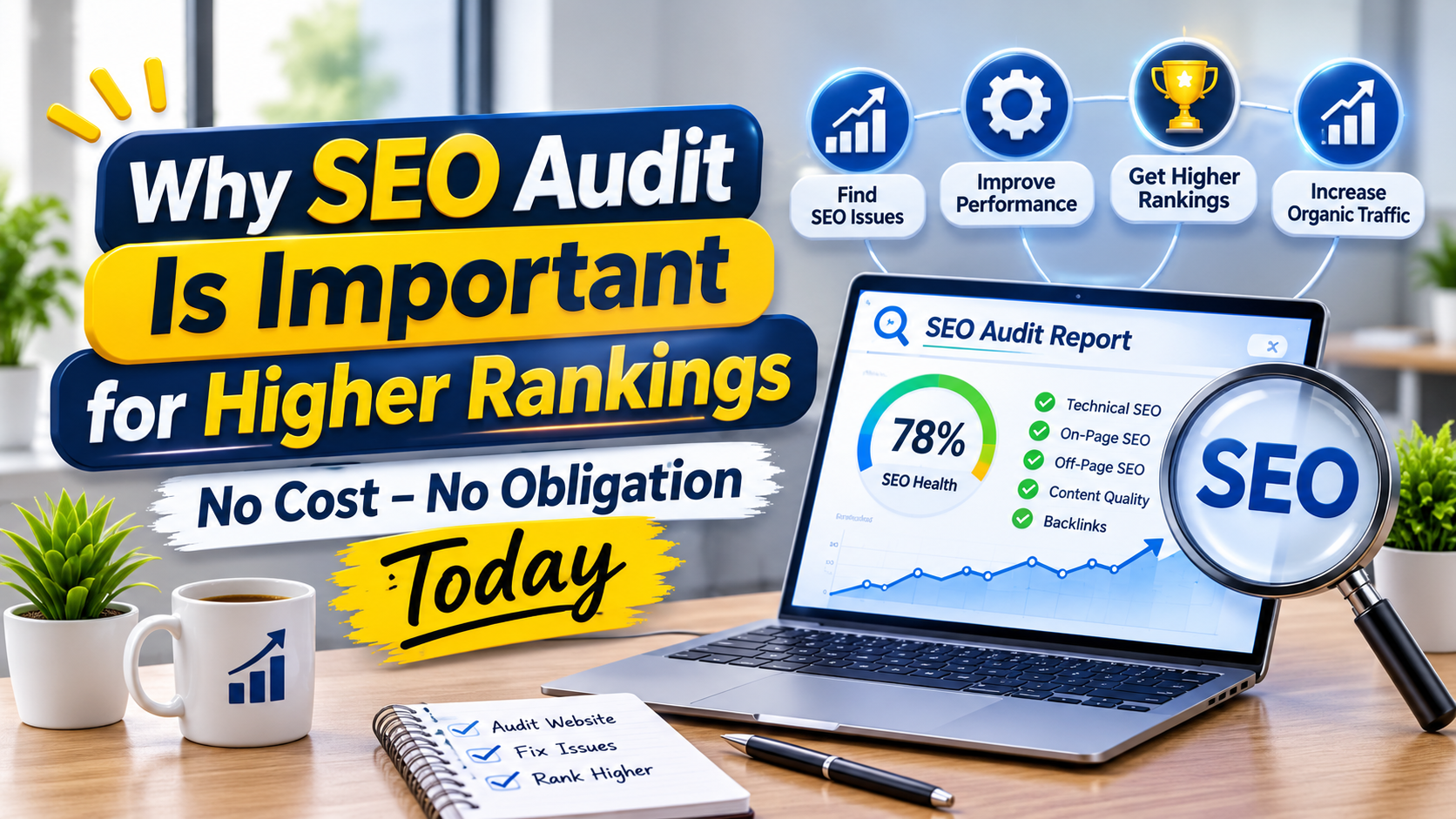
An SEO audit is a structured scan of a website’s technical, content, and off-site factors that produces a score and a ranked list of fixes, and free checkers can run one from a single URL.
In practice I treat an audit as a diagnosis rather than a grade. The useful part is separating crawlability and indexability faults from cosmetic ones, because a page that bots cannot reach or store will never earn rankings however polished its copy. Weak backlinks belong on the same list, though they rarely block a page by themselves.
The payoff reaches beyond classic results. SEO Site Checkup claims that 40% of searches now happen in AI engines and says its tool tracks platforms such as ChatGPT, Gemini, and Perplexity; that figure is the vendor’s own claim, so treat it as directional. Semrush makes a related point: a healthy, well-structured site raises the odds that AI systems use or cite its pages in answers like AI Overviews.
Order the work sensibly. Clear critical issues first, then move to high-impact improvements, and judge success by organic traffic over the following weeks.
What Does an SEO Audit Actually Check?
An SEO audit checks how a page is described, written, linked, served, and referenced from outside, and Seobility’s checker evaluates over 200 factors across those groups.
Content faults are the easiest to spot: missing titles, near-duplicate copy, and pages with too little text. Slow pages, orphan pages, and noindex tags hide in the technical layer, and a stray noindex can quietly pull a URL out of search, which is the first fault I look for when a page will not rank. Semrush’s checker adds social media presence and authority scores for off-page review.
Scope changes what a crawl can see. Ahrefs lets users turn on JavaScript rendering and customize crawl depth, which matters on script-heavy sites. A single page check answers narrower questions; Zapier describes Clearscope as strictly focused on the content of one page, unlike domain-level crawlers.
Bot behaviour is the newest layer. Conductor’s monitoring reports which AI crawlers reach a site and which pages they hit or skip, while Seobility scores page quality and server configuration as separate groups.
How Do You Run an SEO Audit Step by Step?
You run an SEO audit by pasting a URL into a free tool, waiting a few seconds, and reading the report it returns.
Most checkers follow one sequence, and the steps below match how Semrush and Seobility describe their own tools.
- Paste the page or domain address into the tool’s input field.
- Add any optional extras the tool offers, such as a competitor comparison.
- Start the scan and wait for the results.
- Read the overall score first, then the prioritized list of technical issues.
- Fix the top items and run the check again.
The limits matter more than the buttons. Semrush’s free plan allows one check per day, while SEO Site Checkup offers a free trial of 7 days. Results serve search engines and AI platforms alike, so the technical list deserves a full read rather than a skim.
Cadence is the other half. AIOSEO suggests a monthly audit for most sites and weekly audits for bigger, quicker-changing ones, and repeat runs help catch new issues early.
How Do You Read Audit Results and Score Bands?
An audit score summarizes how closely a page follows best practice, so read the band first and the individual items second.
| Score band | What it signals | Next move |
| 80%+ | Strong SEO foundation | Maintain it and tidy minor items |
| 30–79% | Optimization potential | Work down the task list by impact |
| Below 30% | Serious faults that need action | Clear anything flagged in red first |
Seobility reads its bands this way and tells users to start with the items displayed in red. HOTH’s checker takes a different route with a page grade that blends several factors, which is handy for single URLs but too coarse for whole sites.
Tracking matters as much as the number. Moz’s Site Crawl rolls findings into a single website health figure and plots a trend line, which makes a fix-and-recheck loop visible. Each Semrush item ships with fix instructions, so recommendations can pass straight to developers; Ahrefs exports its issue list as a ZIP or CSV file, and Seobility’s premium plans export PDF reports.
Why Does an SEO Audit Matter, and What Should You Fix First?
An SEO audit matters because it exposes hidden faults that hold back search visibility and shows which fixes to make first.
Semrush’s guidance supports a workable order, which I adapt below:
- Remove anything that stops bots from finding or storing pages.
- Rewrite titles and descriptions and tidy headings.
- Compress images, streamline code, enable caching, and check Core Web Vitals.
- Expand or merge thin pages and add alt text to images.
- Review canonical tags, then run the audit again.
HOTH notes that correct technical on-page optimization is one of the main signals search engines use to judge site quality. Zapier’s reviewer also gave extra credit to tools that track generative engine optimization, or GEO, showing whether a brand earns citations in AI answers rather than only blue-link positions.
Repetition makes gains measurable. Semrush advises you to re-run the audit after each round of fixes, and regular audits produce progress reports that show whether traffic moves after each batch.
Is a Free SEO Audit Enough, or Do You Need a Paid One?
A free SEO audit is enough for a quick snapshot of a small or new site, while paid tiers add deeper crawls, history, and monitoring.
| Tool | Free option | Starting paid price |
| Semrush | Free version capped at 100 URLs | $139.95/month |
| Screaming Frog | Free version crawls up to 500 URLs | Paid license (Zapier lists two yearly prices) |
| Ahrefs | Site Audit included with Ahrefs Free | $129/month (Lite) |
| Seobility | Basic: 5 checks per day, free | $69.90/month (Premium) |
| Moz | Free tier | $99/month (Standard) |
Crawl caps decide when paying makes sense. A fast-growing publisher hits them first, and Zapier notes that a dedicated crawler like Screaming Frog digs deeper than Moz on very large sites. Ahrefs says its crawler covers up to 170k URLs each minute, so large sites are the clearest reason to pay.
I would compare what each free version actually limits, whether URLs or checks per day, before comparing price.
Which SEO Audit Tool Fits Your Team and Budget?
The right audit tool depends on whether you need a quick one-page check or site-wide monitoring, and that answer changes as a site grows.
A smaller website can often live on a free checker. The first crawl limit usually raises the upgrade question, and the crawl budget of a free tool runs thin on older sites with thousands of pages, as Zapier points out.
Agencies tend to care about white-label reports, which many paid plans bundle, and about whether a tool can schedule recurring audits without manual runs. For monitoring, Conductor’s 24/7 auditing is the unusual feature.
Search is not every site’s main channel. HOTH points out that popular sites often rely on other traffic sources, so faults cost them less than they cost a smaller site. Teams that care about AI answers can also compare features such as Brand Radar, which tracks how often a brand is cited across ChatGPT, Perplexity, Gemini, Copilot, and Google AI Mode, according to Zapier.
Can an SEO Audit Help You Show Up in AI Search?
An SEO audit can help a site show up in AI search because the same technical basics, crawlable pages and clean markup, decide whether AI systems can read the content at all.
Semrush’s checker tests robots directives and structured data so nothing blocks search engines and AI platforms from finding and reading content. In its SEO Checker you enter a domain, press Analyze Website, and read the AI search findings alongside the classic ones. Crawl blocks and indexing issues are the first things I check when a page never appears in answers.
Seobility adds that SEO and AEO are not only about optimizing the page itself; outside signals, especially backlinks, influence Google rankings and how likely a page is to be referenced in AI tools. A website analysis that skips those signals misses part of the picture.
Google’s bots must also recrawl changed pages before fixes count, and HOTH notes that search engines need time to recrawl and index changes. SEO Site Checkup’s tool goes one step further and lets teams compare how AI engines treat their brand against competitors.
How Often Should I Run an SEO Audit?
Most sites should run an SEO audit about once a month, according to AIOSEO, and busier sites may need it more often.
Frequency should follow change, so audit after any release that touches sitemap coverage, templates, or a target keyword push. Compare the health score and its percentage movement between crawls, and sort fixes by severity so urgent faults never wait for the next cycle.
SE Ranking lets teams name audits, group them, and compare them in a dedicated dashboard. HOTH’s tool accepts competitor URLs for side-by-side checks, and tracking ranking positions shows whether fixes moved anything.
What Does an SEO Score Actually Measure?
An SEO score is a single number showing how closely a page follows best practice, and it rises as flagged issues are resolved.
HOTH’s tool scans a URL for errors, warnings, and notices and returns a page score, while Seobility adds sub scores for meta-information, page quality, structure, server configuration, and external signals. Semrush suggests turning the findings into a backlog for developers and content teams so fixes get implemented in a clear order.
Treat the number as guidance for where to look, not a ranking guarantee; HOTH describes its score as a measure to guide decisions about what to change on the page.
Do SEO Errors Really Hurt Your Rankings?
SEO errors can lower a page’s rankings because search engines judge quality partly through technical page signals, though no audit can promise a specific position.
HOTH states that over 90% of online searches happen on Google, and argues that doing SEO well brings more organic visits, which increases conversion rates. Semrush says missing or poorly written meta tags confuse search engines and lower click-through rates. It also flags status codes that return errors, slow page speed, and poor mobile friendliness among the problems that hurt search performance and push visitors away.
How Can You Measure the Results After Fixing SEO Errors?
Measure the results of SEO fixes by comparing analytics before and after the changes, using Google Analytics and Google Search Console, and allow time for search engines to recrawl and index the pages.
HOTH suggests watching user behavior such as pageviews, time on site, and failure percentages, then comparing new users and returning users against previous periods. Use Search Console to see how keyword positions and landing pages changed.
After each batch of fixes, click Scan Now in HOTH’s tool again, and remember that its results apply to the single page you entered, so improving a whole site usually means repeating the work across many pages.